How to Check In on Your Pet While You’re at Work
Leaving your pet alone at home can be pretty anxiety-inducing. Are they lonely? Did they topple something over? Have they eaten the food you left for them in their bowl?
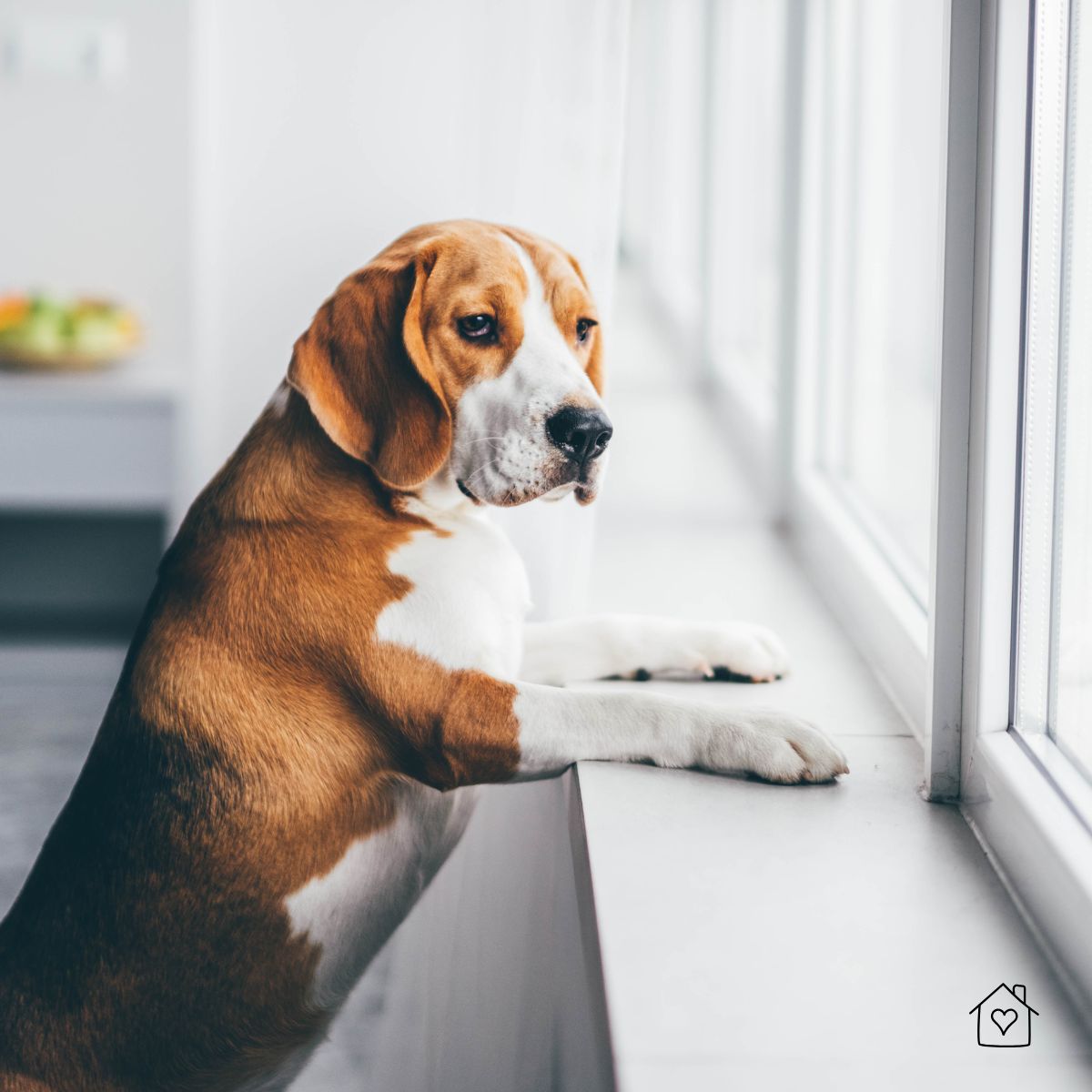
Thankfully, with the almighty power of technology, you can now easily check on your
From budget-friendly webcams to smart sensors to automatic treat-dispensers, you can ensure your pet's A-Okay without a lot of fuss.
*This post may contain affiliate links and I'll earn a commission if you shop through them. You can read my full disclosure here.
Start Simple with Smart Cameras
The easiest solution is with Wi-Fi-connected cameras. Indoor cameras like Wyze Cam, Blink Mini, or TP-Link are affordable and easy to install. Plug them in and connect them to Wi-Fi, and you can see how your pet is doing from anywhere.
You can get simple setups for as low as $30. Have any old phones lying around? You can even repurpose them and use their camera with apps like AlfredCamera or Manything.
Work night shift? Get one with night vision so you can see if your furry friend is sleeping
If you're willing to spend more, however, some camera models offer other advanced features that can help with checking in on your pet.
Smart Sensors and Activity Monitors
Beyond cameras, smart home sensors can provide a fuller picture of your pet's day.
Some camera models have a motion alert feature, sending you notifications whenever your pet moves around. This can let you know if something might be up with them. Some sensors even allow you to track their movement throughout the house.
There are also temperature sensors. These help ensure your home is at a comfortable temperature for your pet.
How about checking your pet's temperature - after all, what if they get a fever while you're away? For that, you can use smart collars and other health trackers. These monitor your pet's temperature, activity, and other health indicators.
Interactive Options
But what if you want to actually interact with them - not just watch from afar?
After all, many
A great option is cameras with two-way audio so you can talk with them remotely. It's just like calling them through a camera. You can also make some gadgets play soothing sounds or your recorded voice to comfort your pet. Useful if you're in the middle of a meeting and are worried about them!
There are now even AI-powered interactive cameras such as Furbo or Petcube. Aside from allowing you to talk with your pet remotely, you can use them to toss them treats or schedule snack times.
Want to play with them from anywhere? It's possible with smart toys that connect to your phone. There are interactive laser pointer toys, bouncing and vibrating balls, and even full robots that you can control from anywhere with your phone.
These delightful toys can ease separation anxiety for both of you!
Setting Up Your Pet Monitoring Station
Decided on which gadgets suit your needs best? Here's a quick checklist for setting it up:
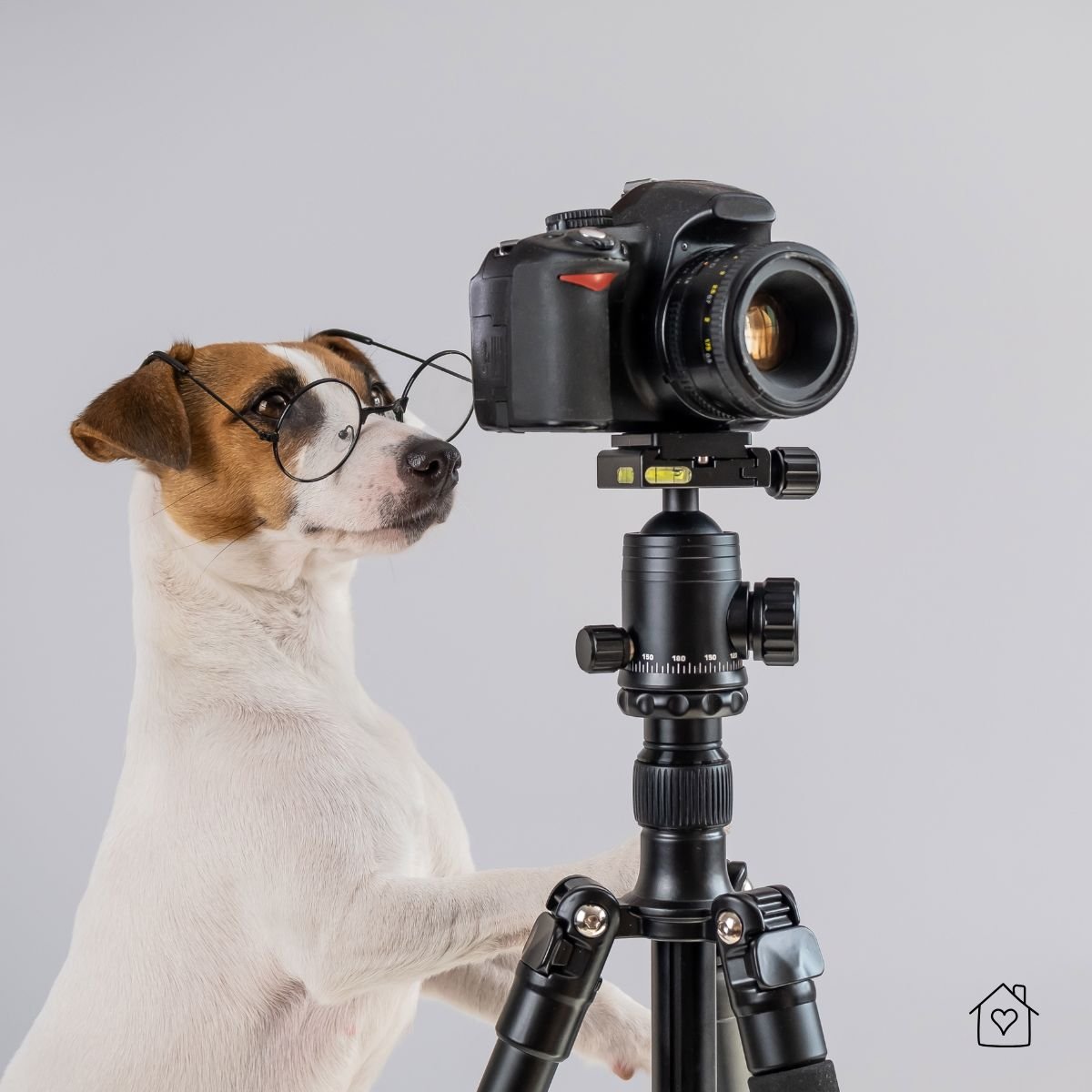
- Choose the right camera placement
Set them up in spots that have maximum coverage and prioritize places where your pet usually likes to stay.
- Read the manual
For more advanced cameras and tools (such as interactive toys), setting them up and using them can include more steps than cameras.
- Make sure the Wi-Fi signal is strong
With a weak Wi-Fi signal, camera feeds can be blurry, inconsistent, or get disconnected altogether. Consider using a Wi-Fi extender if you're placing cameras in spots with weaker signals. Alternatively, consider a wired connection to the camera hub if possible.
- Test Gadgets
After setting up, test if you can:
- View live camera feeds
- Receive notifications on your phone
- Control remote tools/features
- Speak to your pet and confirm they can hear you
- Get feedback from live sensors
Re-check these devices regularly, as they can occasionally run into some problems (low battery, in need of a restart/reconnection, faulty wires).
Keep It Secure: Protecting Your Privacy
While these remote devices are convenient and incredibly useful, one downside is that they can potentially expose you to huge privacy risks.
Imagine if hackers and other cybercriminals get access to your camera: they'll know what exactly goes on in your home, including knowing which times you're away. This is a massive security risk.
Fortunately, it's also easy to ensure that they stay safe.
- Change default passwords immediately
Camera systems come with default usernames and passwords, so change them immediately.
- Update firmware regularly
Manufacturers regularly release updates to fix vulnerabilities, so download any updates ASAP.
- Enable two-factor authentication
Some models/systems include 2FA. Enable them for another layer of protection.
- Use a separate Wi-Fi network for smart devices
If possible, have a separate Wi-Fi network for your cameras and pet-related devices. So on the off chance that they're compromised, your other data remains safe.
- Encrypt your connection with a VPN
If you regularly use public Wi-Fi to check on your
Final Thoughts: How to Monitor Responsibly
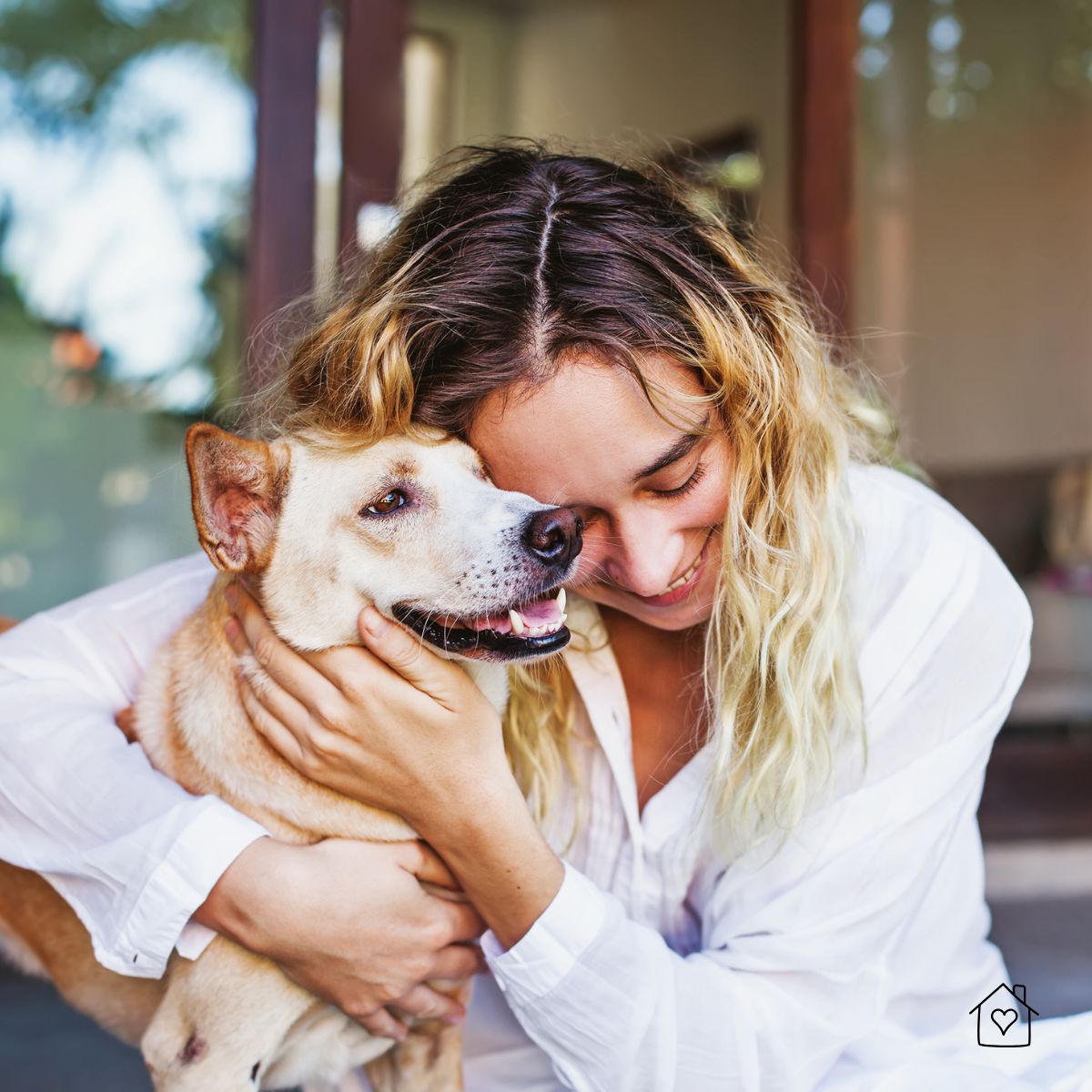
These tools allow you to check in on your pet almost anytime, so it can be tempting to watch them all throughout the day.
However, constant monitoring can add stress not just for you, but also for your pet (if you're interacting with them remotely).
Instead, schedule specific time frames when you'll check in or interact with them. Over time, you'll get a sense of your pet's daily rhythm and recognize when something seems off.
Lastly, a gentle reminder: if you notice unusual behavior, especially signs of SRB - excessive barking or howling, pacing, lethargy, or destruction of household items - it might be time for a visit to the vet.
Remember, while technology is helpful, it's not a replacement for real attention and care!