Upgrading to a Smart Home? Here’s How to Prepare Your Network
The convenience of a smart home has convinced homeowners to start paying more attention to smart devices. Voice-activated lights, automatic locks, energy-efficient thermostats, and smart cameras all fall into this category, and they all come with perks. But you'll want to ensure that your network is capable of supporting all of these new gadgets before you bring them in. Any smart home is as good as its foundation.
*This post may contain affiliate links and I'll earn a commission if you shop through them. You can read my full disclosure here.
And as more personal information flows between IoT devices and applications, how secure do you think your home is? As you admire your new smart camera, you could be putting your identity at risk. And your first instinct should be to protect it.
Start with Your Router
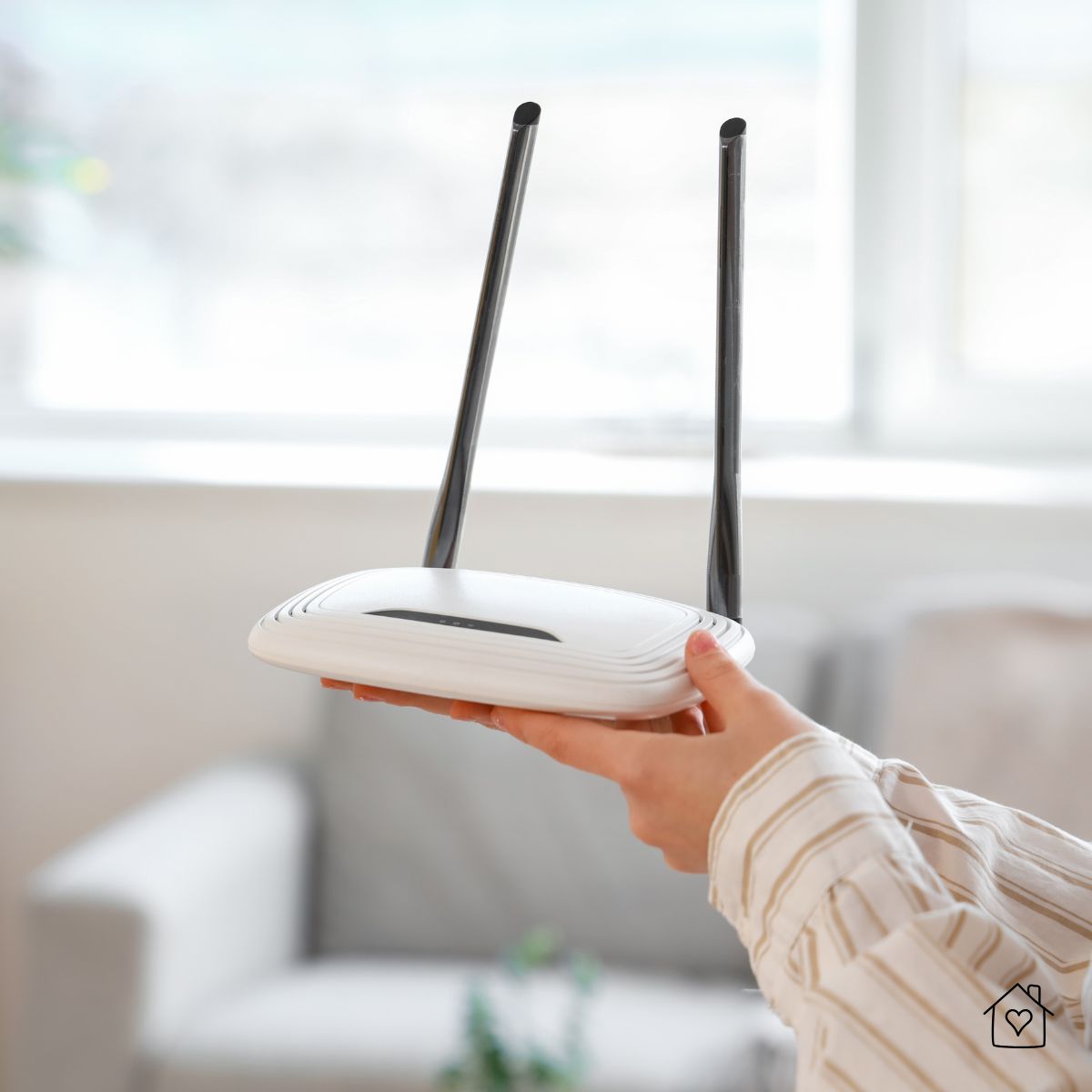
Most homeowners are not aware that their router is the control center of their smart home. If it's outdated, your whole setup will glitch, be slow, and unreliable.
Look for these must-have features:
- Wi-Fi 6 or Wi-Fi 6E: These offer better speeds, more capacity, and smoother performance when you add lots of devices.
- WPA3 encryption: This is the newest and strongest Wi-Fi security standard.
- Automatic firmware updates: They keep your router protected from new security threats.
- Good processing power: More RAM and a stronger CPU = better handling of multiple connections.
If you have large, thick walls, consider investing in a mesh Wi-Fi system so your devices stay connected no matter where they're installed.
Secure Your Wi-Fi by Using Strong Encryption
Smart devices communicate with one another and the internet all the time. That means you need to lock down your Wi-Fi.
Use:
- WPA3 encryption
- A long, unique Wi-Fi password
- A unique network name (don't use your address or last name)
Avoid:
- WEP or WPA/WPA2-TKIP (the older standards are easily decrypted).
- Leaving the guest mode unsecured.
And don't forget to turn off the one-button connection feature, WPS, which is handy but vulnerable to attacks.
Set Up a Separate Network of Smart Home Devices
Homeowners tend to overlook this step. Smart home devices are not as safe as your phone or laptop. Once a hacker gets access to a single lightbulb or camera with weak security, they can easily access the rest of your devices. You can separate your smart home gadgets by putting them on their own network, so you'll minimize the risk.
Types of home networks:
- Main Network - tablets, laptops, phones.
- IoT Network - cameras, bulbs, plugs, locks, thermostats.
- Guest Network - for visitors
Better still, if your router supports VLANs, it's another level of separation.
Understand Your Bandwidth Needs
Most smart devices might be small in appearance, but they are capable of consuming more data than you'd know. You need to pay special attention to your security cameras.
Here's a rough breakdown:
- Smart bulbs, plugs, sensors: Minimal information.
- Intelligent speakers and displays: Medium information.
- HD video surveillance cameras: 2-4 Mbps each.
- 4K cameras: 10+ Mbps each
- Cloud-based AI features: Periodic bursts.
If you're planning to include more cameras, video doorbells, and smart displays, check your internet plan to ensure it has sufficient bandwidth and upload speed. A slow connection can cause your cameras to lag, delay automations, and miss notifications. A 300-600 Mbps internet plan with 20-30 Mbps upload is sufficient in most smart homes.
Keep Devices Updated
All smart devices in your home run on software, so if you want to make the most of them, don't skip on updates. They add new features and, more importantly, patch vulnerabilities. A smart device without them is a security risk.
Make it a habit to:
- Turn on automatic updates
- Don't forget to check the firmware of your router after a few months.
- Get rid of devices whose brands no longer provide updates.
Strengthen Account Security
Every smart home gadget requires you to have an account before you use it. Unfortunately, most breaches happen through the accounts connected to them.
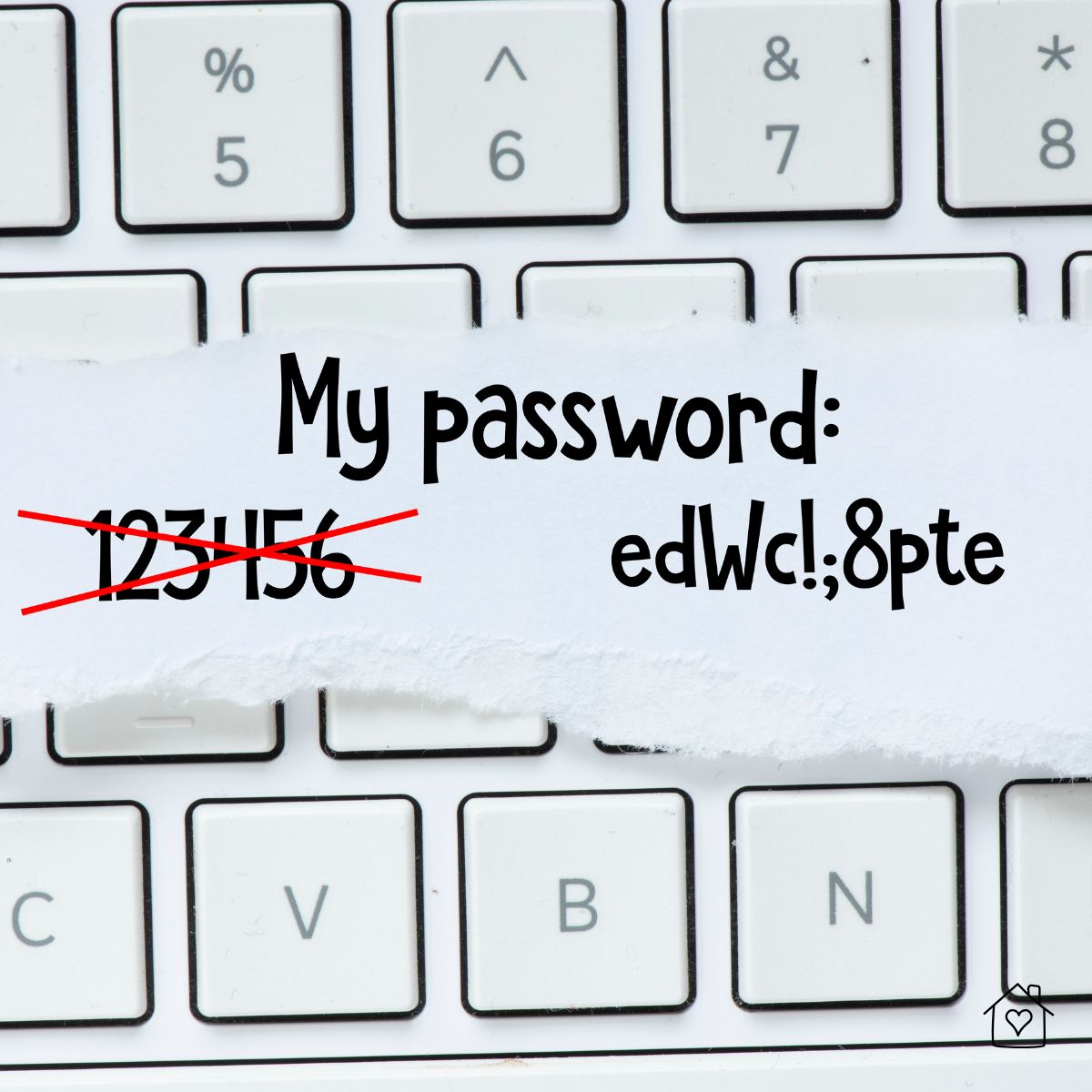
Take these precautions:
- Use strong, unique passwords for all smart home platforms.
- Enable two-factor authentication (2FA) whenever possible.
- Avoid using Facebook/Google logins for smart home apps.
- Set up recovery email/phone numbers correctly.
If someone gets access to your login, they can control your home through lights, locks, and cameras.
Use Network-Level Security Tools
Beyond the router, you can add simple protections that safeguard your entire home:
- Secure DNS filtering to block malicious sites
- Firewall rules that limit device communication
- Local storage for video cameras instead of cloud-only setups
- A small UPS battery for your router so your automations still run during short outages
These tools add stability and reduce security risks across your system.
Protecting Your Personal Data
Once you install a smart device in your home, it starts to collect data. It tracks routines, schedules, audio snippets, video clips, and even habits such as when you leave home. Although this data is useful in running automations smoothly, it's a backdoor for hackers to get inside your home.
That's why your smart home strategy needs to include identity theft protection. Now more than ever, identity theft can happen because of compromised login information from a smart device, an exposed email, or a data breach from a smart home app.
Most good identity theft protection packages provide:
- Monitoring your SSN, emails, and telephone numbers.
- Notifications in case your data appears in breaches or dark web leaks.
- Credit monitoring.
- Support for regaining your identity if something goes wrong.
Bringing It All Together
Smart home tech is only going to get more powerful, more connected, and more deeply woven into everyday lives. Preparing your network helps you create a setup that can grow with you. When you have a strong, safe digital base for your home, you can try out new gadgets, automations, and features without ever worrying about a hacker getting their hands on them.