7 Security Mistakes When Installing Smart Home Devices
A connected home can make your day-to-day life simpler. These days, smart home options are plentiful and impressive. There are voice assistants that manage your grocery list. There are cameras to monitor your home from anywhere. Smart thermometers can regulate the temperature in your home based on your habits. When it comes to smart gadgets, if you want it, you've got it.
With convenience, however, comes a certain level of responsibility. Cybercriminals can leverage smart home devices to steal sensitive data, sell that information, or hijack your accounts. Many homeowners inadvertently make rookie mistakes when setting up their devices. Don't be that rookie.
*This post may contain affiliate links and I'll earn a commission if you shop through them. You can read my full disclosure here.
Mistake #1: Prioritizing a Low Price Over Reliability or Security
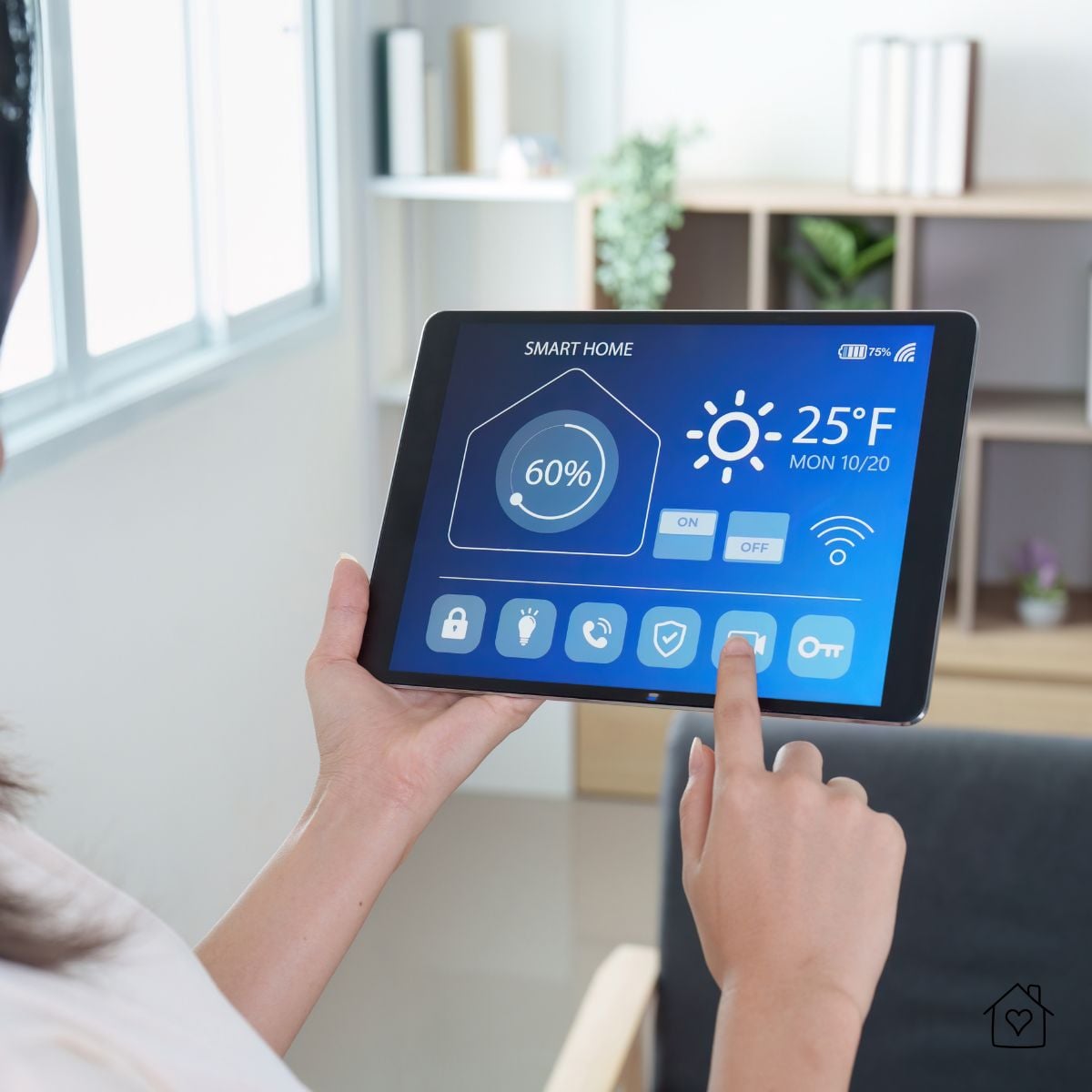
In the search for different types of home devices, it's tempting to reach for the one with the lowest price tag. This is especially the case when you're setting up multiple rooms and have a large list of items to buy, which add up quickly. Unfortunately, many cheaper devices lack strong encryption or long-term software support, making them more vulnerable than their slightly more upscale counterparts.
Investing in reputable brands may cost more up front, but over the long run, it helps reduce the risk of falling victim to frustrating (and often expensive) attacks. Always look for products with transparent privacy policies, consistent firmware updates, and strong security certifications. If all those boxes are checked and it's still the cheapest option, lucky you.
Mistake #2: Relying on Weak or Patchy Wi-Fi
Your Wi-Fi network provides the necessary foundation for your smart home. That means that if you have an unstable or unsecured network, your devices are also going to be unstable and unsecured.
Be sure to rectify weak network practices before installing connected home devices. Here's a quick checklist to consider:
- Change default router passwords.
- Use the latest WPA security standards.
- Upgrade overcrowded or slow networks.
- Use guest networks properly.
- Do not run devices on public Wi-Fi.

Mistake #3: Not Communicating With Others in the Home
Smart homes affect everyone in the household. The result of setting devices without clear communication is confusion, gaps in security, and potential privacy conflicts.
Housemates or family members may not know how to use a device securely, while children or guests might adjust settings without realizing how it impacts the whole connected ecosystem. To fix this, be sure to set clear expectations and guidelines around devices:
- Let everyone in the home know which devices are installed.
- Explain how they function.
- Show household members where the privacy settings are, how, and why they are important.
- Showcase how to safely use these devices.
Security is always a shared responsibility, not only between manufacturers and consumers, but for all who use devices.
Mistake #4: Taking On Complex Installations Without Support
DIY smart home installation is common, and there's nothing wrong with doing simple installations yourself. Some systems, however, require specific handling (think: wired cameras, alarm systems, and smart locks).
Without proper installations, devices may not function as intended, or worse, expose you and your family to cyber threats. For complicated setups, it is worth hiring a certified installer or working with the manufacturer's support team. Even a brief professional consultation can reduce the risk of improper configuration and dangerous security gaps.
Mistake #5: Ignoring Security Patches That Protect Connected Devices
Smart devices should not be treated as "set-and-forget." They require regular updates. Yet, many homeowners disable automatic updates or ignore update notifications, assuming they aren't necessary. But every unpatched device is a piece of low-hanging fruit for a cybercriminal.
To avoid becoming an easy target, adopt sound software update practices:
- Enable automatic updates if they are available.
- Manually check for firmware updates on a regular basis.
- Replace devices that no longer receive support.
Ongoing maintenance is just as important as proper installation.
Mistake #6: Adding Gadgets Faster Than You Actually Need Them
It's easy to get excited about smart home tech and start buying devices faster than you can meaningfully integrate them. But every device added to your network creates a wider net for those attempting to target you.
There are a few notable signs that you're adding devices too quickly.

- If you are losing track of where device controls are housed, you may have too many devices.
- Significant overlapping functionality (multiple apps, hubs, or assistants) is a bug in a connected home, not a feature.
- Not configuring new devices fully before adding more means you're moving too fast.
Adopt a slow, intentional approach to your smart home development. Add devices one at a time, configure them properly, and confirm they work correctly before moving on.
Mistake #7: Skipping Two-Factor Authentication on Smart Home Accounts
Even the most secure smart home setup becomes vulnerable if accounts are protected only by a weak password. Your smart home accounts store sensitive information about your location and typical habits. Skipping 2FA makes it that much easier for a hacker to get into your account.
Avoid the following issues:
- Using one password for multiple accounts
- Using only short or predictable passwords
- Not enabling two-factor authentication (2FA)
Smart Home Threats Are Evolving
Aside from hacking attempts, homeowners are increasingly targeted through voice-based scams, phishing calls, and other forms of social engineering. Attackers impersonate many real-life providers (and with impressive accuracy). Their goal is to get your personal information, gain access to your network, and, in some cases, trick you into installing malicious software.
Consider scam call protection as an essential part of effective smart home security. These tools are useful because they block suspicious calls before they reach you, making it harder for you to become the victim of hard-to-distinguish voice-based attacks. A secure connected home requires a holistic solution.