Your smart home is eavesdropping – here’s how you should outsmart it
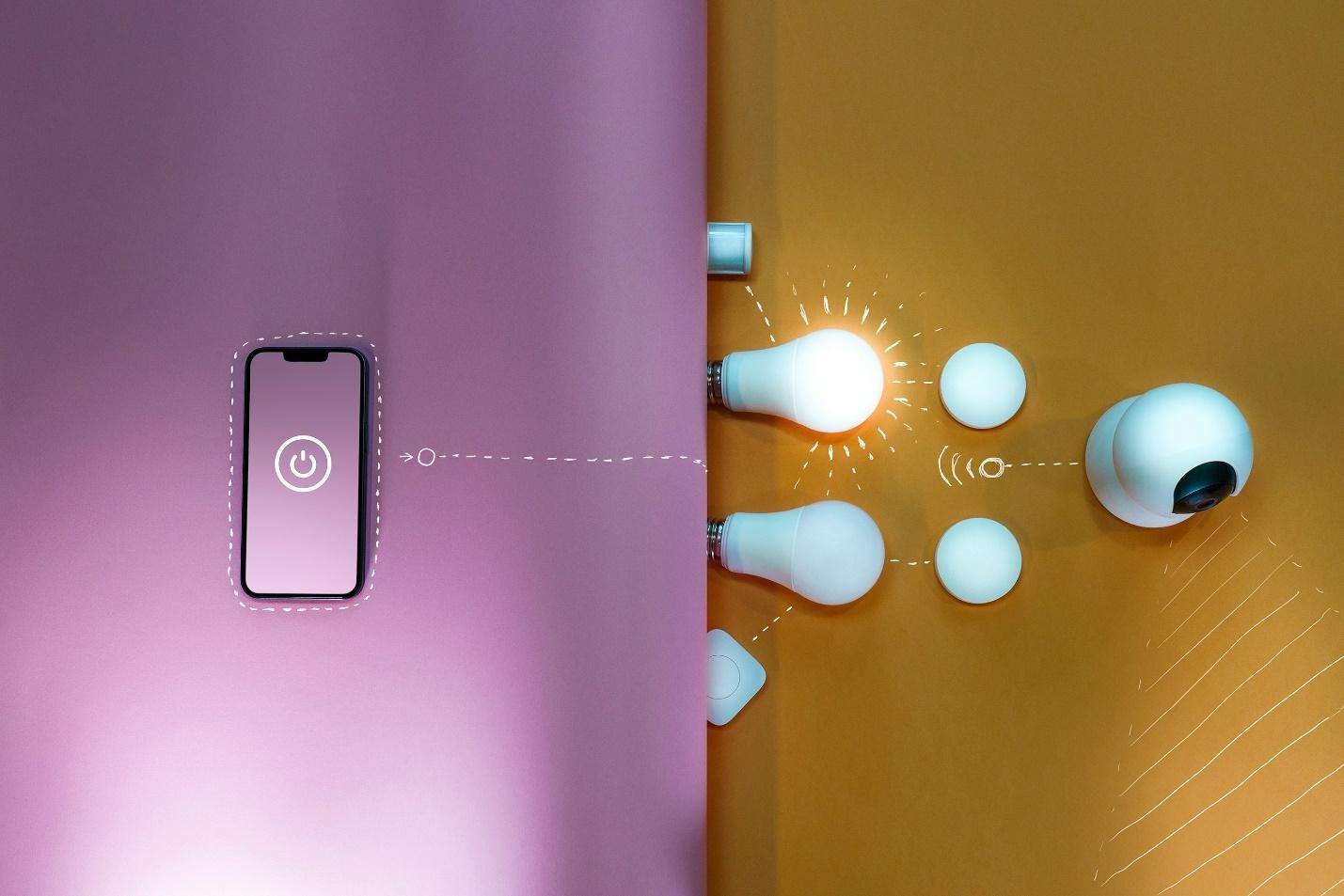
You don't even know how much personal information your smart home devices collect about you - or which ones do. It's a tricky world to be living in when it comes to using anything connected to the internet, which is why you need to boost your home's security with the latest security solutions.
We're not here to beat around the bush with the many cybersecurity threats you're exposing yourself to when using smart home gadgets; and yes, even your smart TV counts as a risk. Disconnecting from cyberspace isn't a solution. The point is to use smarter, modern defences that work with your digital lifestyle instead of against it. Ready to learn how?
*This post may contain affiliate links and I'll earn a commission if you shop through them. You can read my full disclosure here.
Install security systems
Home security system use is rising across smart households - in the U.S., for instance, 21MN homes use professionally monitored security systems. These installments provide constant protection with round-the-clock supervision for your home and skilled experts ready to respond when alarms are triggered. The difference between professional and independent monitoring lies mainly in cost and in who responds when an accident occurs. The expert solution is clearly more expensive, as it involves an intricate system of detectors, sensors, panic buttons, and other tools, along with police dispatch and expert supervision.
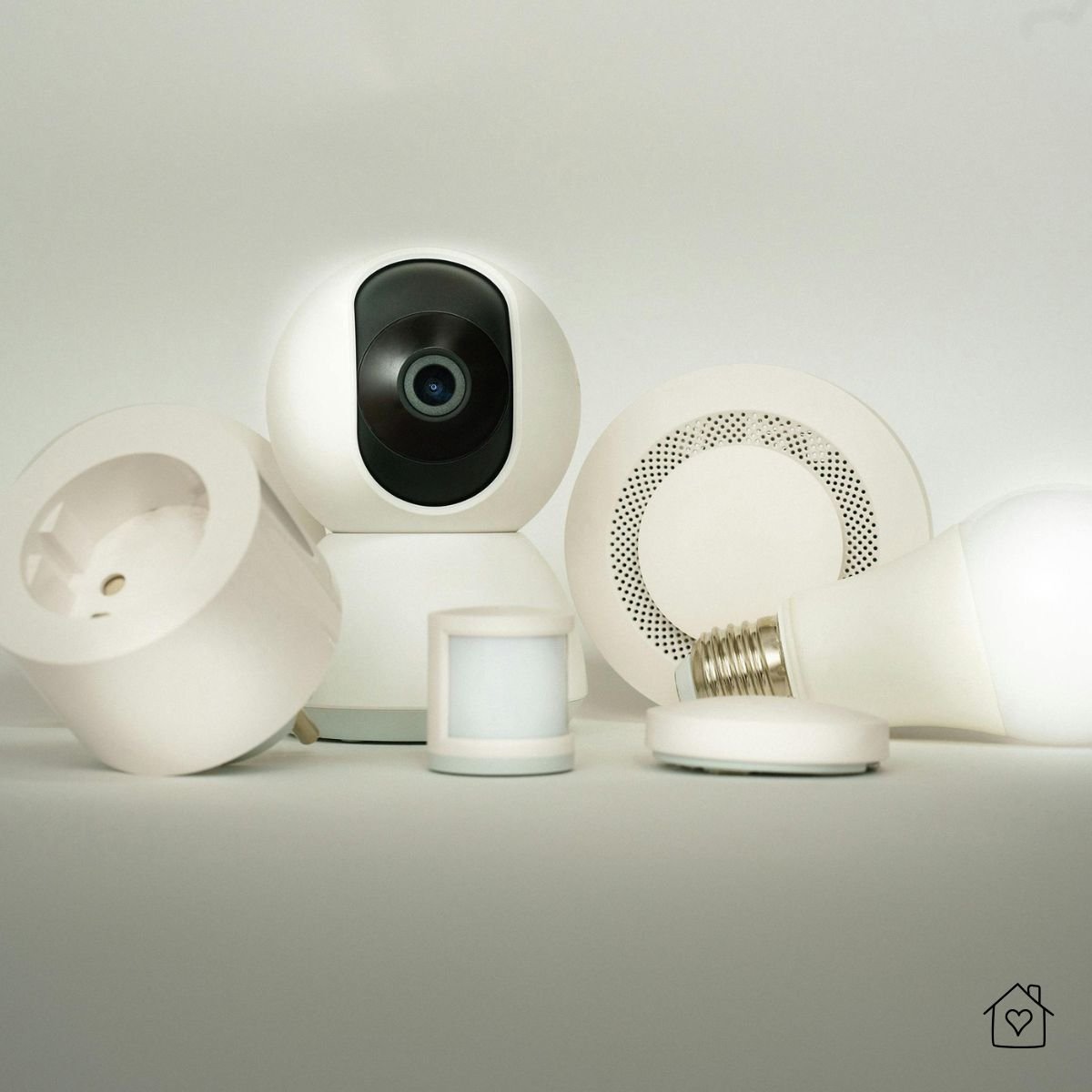
If an intruder breaks into your home, the police are notified, so you have both hands-off control and peace of mind - priceless things if you live in a high-risk neighborhood, are often absent, or want remote control. If not, a self-managing security and monitoring system might help you improve your house's safety when you're using all sorts of smart solutions like passwords for entry without added costs.
Use a custom email domain
Another powerful security solution that's gaining massive traction is the custom email domain - a modern email address that replaces the ages-old "@gmail.com; @yahoo.com, etc." with a domain of your own. You'll have something like "nickname@yourbusiness.com"; and no, this type of service isn't just for businesses. From freelancers to individuals looking to secure their account activities, personalized email domains put people in control of their emails in ways that Gmail can't.
If you're like most individuals, sick and tired of creating accounts and syncing them across apps used for social media, shopping, banking, and so on, you likely use one email and only. This creates only one point of failure: a hacker can access anything associated with your email if they breach it, including your smart home ecosystem. But with custom email domains, you flip the script entirely.
This solution helps you create your own domain and assign unique addresses for different purposes; for instance, smart locks use their own email, cameras use another, and IoT apps use a third. This way, you separate your smart home accounts from your personal identity, making it much harder to guess, compromise, or exploit your data. You can also create more disposable email addresses - a priceless trick when you want to separate devices. Reliable custom email domain providers offer all sorts of additional benefits, such as built-in spam filtering, superior encryption, and activity monitoring, all of which provide you with an extra layer of protection.
Turn ACR off
Whether you use Samsung, Sony, TCL, or LG, and regardless of your media player's provider, one harsh reality is universally available: as you're watching your TV, the device is closely watching you, too. There's Automatic Content Recognition (ACR), software that screenshots everything that your smart TV's display shows, from your security camera streams to your personal photos, logging the data and sending the records to your device's manufacturer - and in some instances, their collaborators, too. What happens with this info? It's completely out of your control. Personal data is the most valuable currency today, and in that capacity, it supports a huge business known as data brokerage.
ACR is stubborn; it might keep collecting data even when you disconnect it from the internet. But thankfully, federal legislation obligates TV manufacturers to enable users to disengage. It takes some rummaging, depending on the current software version and your TV type. If you'd rather skip the detective part, you can always unplug your TV instead of switching it off.
Keep devices updated all the time

People are aware of smart home devices up to some level. But something as vital as keeping all devices updated simply slips many users' minds. Yes, many systems update automatically if they're set to do so. But it pays to check whether all your systems update automatically, because not all do. Updates aren't just about adding new features or improving performance - they often contain critical security patches that protect your home from vulnerabilities. Cybercriminals scour the internet for outdated devices, which are easier to breach, so one unpatched thermostat or smart plug can serve as a gateway to your entire network.
Manufacturers today release more patches than ever due to the rapid growth of IoT attacks - according to a Digital Agency report, 800K cyberattacks take place early and target both organizations and individuals worldwide. Stats like this indicate that staying updated on all fronts is no longer optional. The easiest approach is to enable automatic updates on every device that supports them. For the gadgets that lack this feature, it's best to set a monthly reminder to check manually. This process takes only a few minutes, yet it dramatically reduces your risk of falling victim to a cyberattack and ensures you never miss a vital patch.
Keep networks separated with guest or secondary wi-fi networks
Among the top ways to use safe networks is to have two or more, depending on your needs. Your main devices, including smartphones and laptops, process data very differently when it comes to vulnerability than systems like your smart temperature control device. Keep a network for what's more delicate and one for devices that aren't risking your personal data to the same extent.
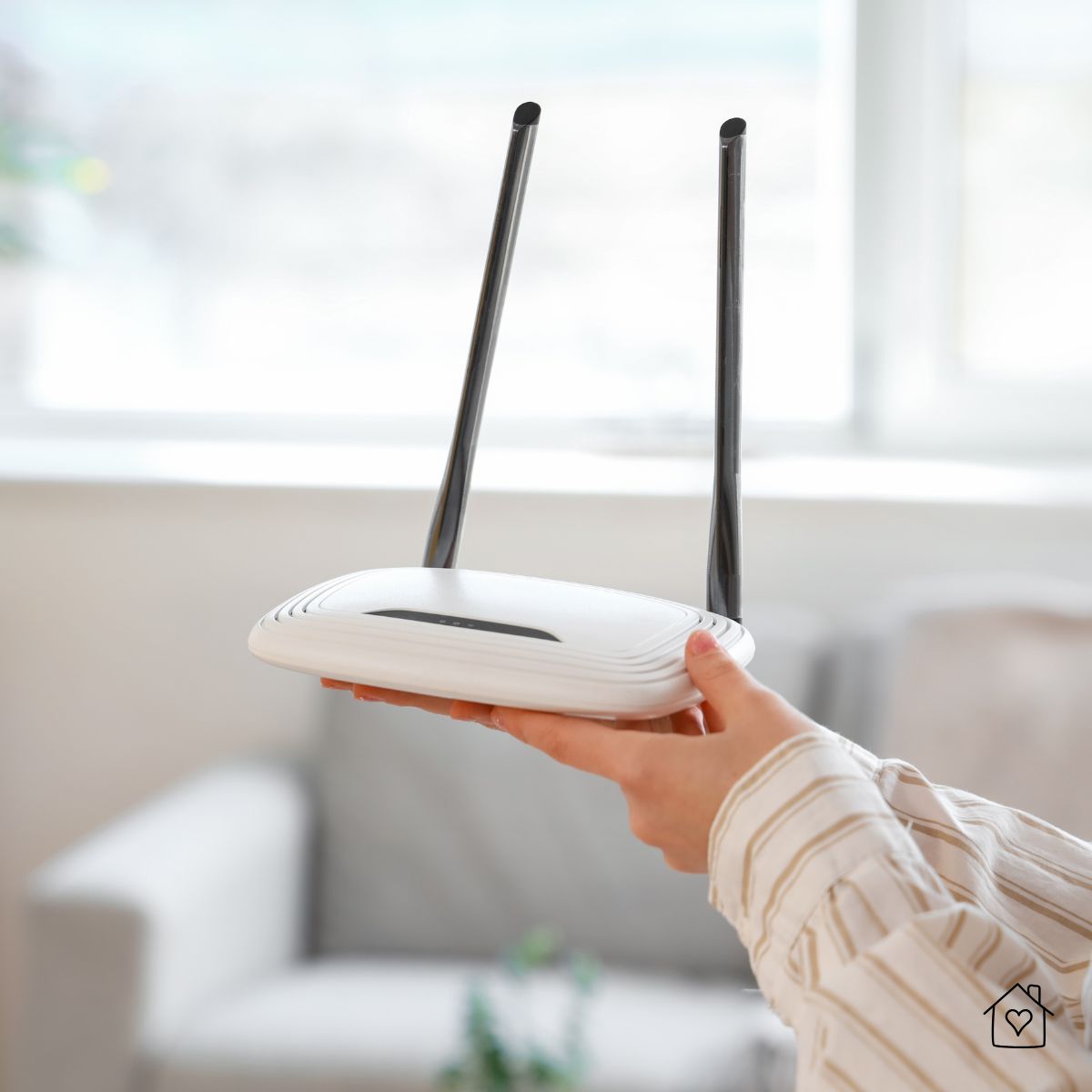
Today's routers allow for the creation of more, different SSIDs, aka the router's name and the number following it, as well as more networks. They should also permit you to turn on guest wi-fi, creating an isolated wireless network. Solutions like these will boost your smart devices' security, so even if your main devices' systems are compromised, they remain protected against intruders. Be sure the secondary network is secured with a strong password and encryption models too.
Securing your smart home in 2026 means always staying one step ahead - with the right tools and habits, you can benefit from everything modern technology has to offer while keeping risks to a minimum.