How to Fix Smiles in Photos Before Printing Them for Family Albums or Home Decor
No secret that with family photos displayed on walls, shelves or tables, a home immediately looks more comfortable, more lived in. Not decorated, exactly. Just… yours. But almost everyone runs into the same problem sooner or later. The photo is great overall, but someone blinked. Someone looks too serious. A child is making a strange face. Or the smile just looks a little forced. Not bad enough to delete the photo, but not quite right either.
*This post may contain affiliate links and I'll earn a commission if you shop through them. You can read my full disclosure here.
This happens constantly with family photos. You take ten pictures and in every single one something is slightly off. The lighting is nice, people are in focus, the moment is good - but the expressions don't line up. The good news is you don't have to give up on those photos. You can fix expressions very quickly using a free smile editor like PhotoDiva, even if you have no editing experience at all.
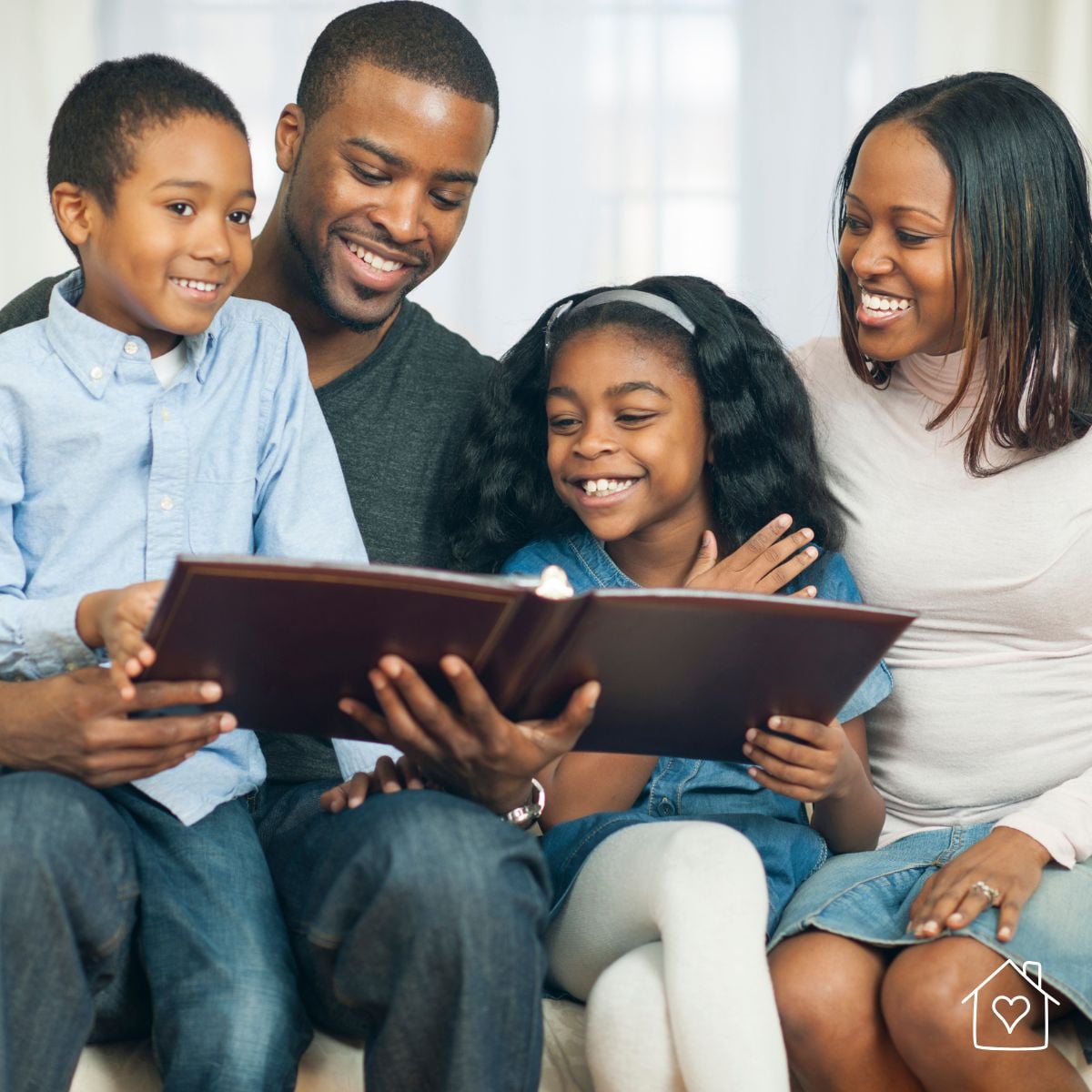
In this article, we'll go through how to fix smiles, how to prepare photos before printing, and a few simple ideas for using printed photos at home.
Why it's worth fixing smiles before printing
Do we notice every detail when looking through photos on a phone? Usually not. Screens are small. We scroll quickly. A slightly tense smile or neutral expression doesn't seem like a big deal. Print that same photo, put it in a frame, and suddenly the expression becomes the first thing you see. A small detail becomes very noticeable. This is especially true for:
- family portraits
- holiday photos
- pictures of children
- group photos
- photos you want to give as gifts
- photos for albums or scrapbooks
It often happens that you like a photo very much because it's got a good light, a nice composition and it looks genuine and natural. But someone isn't smiling. You would be sorry to reject that photo just because one person looks too serious.
In many cases, it's easier to adjust the smile slightly than to choose a worse photo. The important word here is slightly. You're not trying to create a big artificial grin. Just a more relaxed expression.
How to fix a smile in PhotoDiva
One of the easiest ways to adjust a smile is with PhotoDiva. You don't need to reshape the facial features manually. The process is really simple:
- Open your photo in PhotoDiva
- Go to the Sculpt tab
- Choose Face Sculpt
- Find the Lips section
- Move the Smile slider slightly to the right
That's it. As you move the slider, the expression changes gradually. Stop as soon as you see that the smile starts to look artificial. Move the slider back and stop at the right point. Small adjustments are usually best, you know. This works especially well for photos where:
- a child looks too serious
- someone looks tired
- the smile is uneven
- the expression looks tense
- the photo was taken quickly and people weren't ready
Don't hurry to delete the photo. Fix the expression instead.
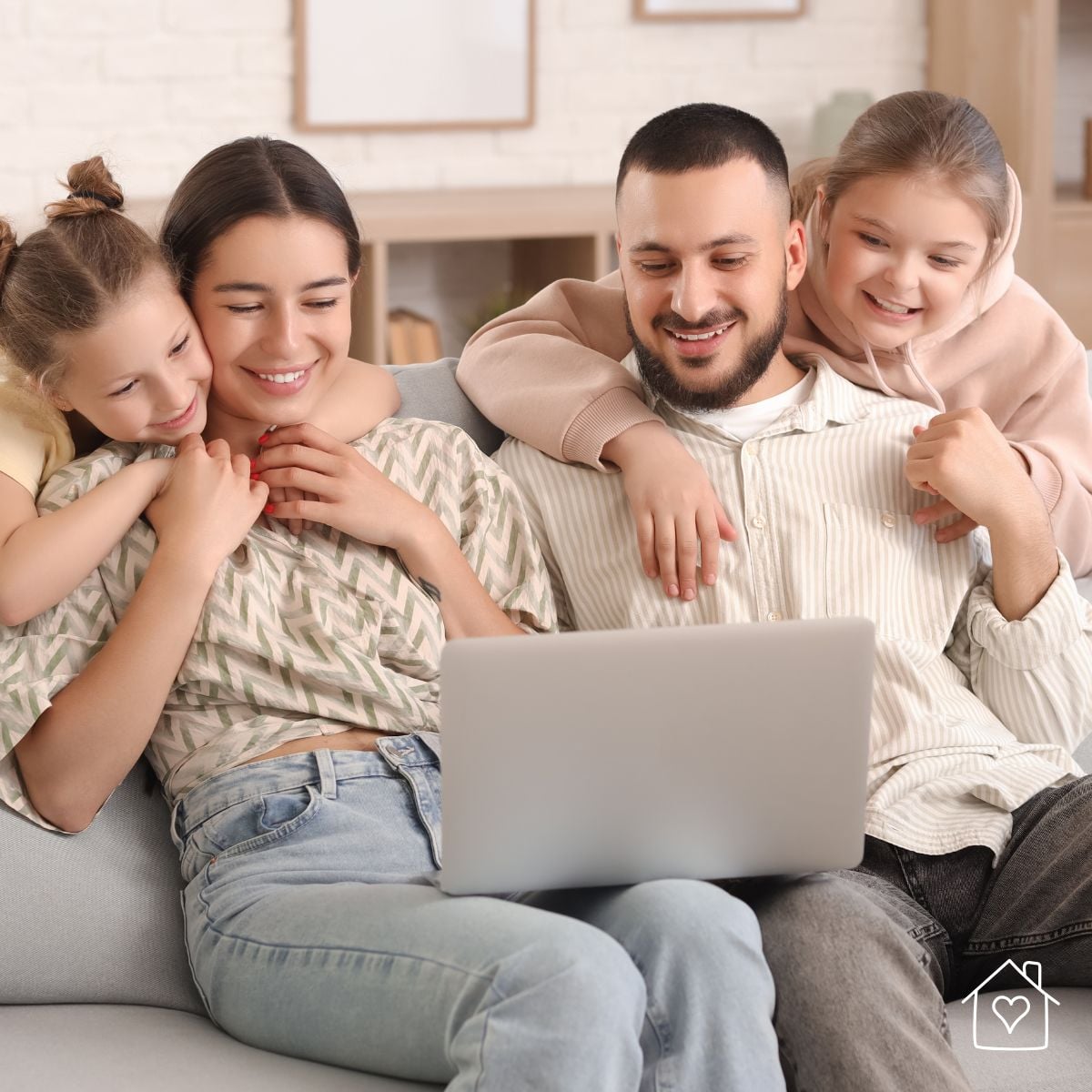
How to prepare photos before printing
Do you plan to print the photo? Spend a few more minutes on preparing it. It may greatly affect the way your prints will look.
Check the resolution
Photos intended for printing need higher resolution. An excessively small image risks looking blurry or pixelated while printed. Check the photo size in priority. Make sure it matches the print size you want. If necessary, you can resize the image. PhotoDiva allows you to adjust the resolution when saving the photo. It makes this step easier.
Adjust lighting and exposure
Many photos are good but slightly too dark, too bright, or a bit flat. This becomes more obvious when printed. Before printing, check:
- Exposure
- Contrast
- Highlights and shadows
- Color balance
Crop the photo to the good format
Different frames and albums use different photo formats. Some are square, some rectangular, some standard print sizes like 10×15 cm.
Cropping before printing is important. Otherwise important parts of the photo may end up too close to the edge or even cut off. PhotoDiva includes crop presets for common formats. It saves you lots of time.
How to use printed photos in your interior decor
Your photos are edited and printed. Now the fun part begins. There are lots of ways to display photos. Let's look at some of them.
Photo walls
Photo walls are very popular, and for a good reason. They make a space feel personal immediately. You can arrange photos:
- in a grid
- in a line
- along a staircase
- around a mirror
- in a mixed frame collage
Before hanging frames, place them on the floor. You can test the layout that way. It may save your wall from lots of unnecessary holes. Black and white photos often look especially nice and elegant.
Photo albums and scrapbooks
Printed photos are perfect for albums and scrapbooks. You can add:
- notes
- dates
- tickets from trips
- drawings
- stickers
- recipes
- postcards
- letters
This turns a simple photo album into something more like a memory book.
Photo gifts
Printed photos also make very good gifts, especially for grandparents and relatives who don't always see photos online. Some simple ideas:
- small photo books
- framed family photos
- calendars with family pictures
- photo cards
- collages
- memory boxes with printed photos
Such gifts are really personal and unique. So, people usually keep them for years.
Rotating seasonal photos
One more idea is to replace framed photos by other images as the seasons change. It's an easy way to refresh your interior without buying new decorations. You may use:
- summer vacation photos in summer
- autumn walks in fall
- holiday photos in winter
- spring garden photos in spring
It's a small change, but it keeps your home decor feeling fresh.
Small edits really do make a big difference
Many people find photo editing complicated. But for family photos it usually isn't. Small changes like fixing a smile, adjusting brightness, cropping the photo, improving colors, resizing for print can completely change how a photo looks once it's printed and framed.
And the most important thing is this: the best family photos are not perfect photos. They are photos that capture real moments. Editing should only help the photo look closer to how the moment felt.
So before printing your next family album, wall photo, or photo gift, take a few minutes to adjust the expressions and lighting. A small smile adjustment or a simple crop can turn a "good" photo into a photo you really want to display in your home.