How to Save Automatically on Household Essentials
The other day I was making my shopping list, looking over my meal plan for the week and noting what pantry items we needed. I had multiple browser tabs open for different items (paper towels, laundry detergent, dish soap, etc.) comparing prices and hoping to save money. It became so confusing and time sucking and I felt totally overwhelmed so I did what I normally do when I feel like that, I got up, started

If you've tried to save money shopping online (like me) by searching for coupon codes, comparing prices and hoping that the cash back reward works, you know that's a lot of time and effort for a tiny win but there is a light at the end of this tunnel.
*This post may contain affiliate links and I'll earn a commission if you shop through them. You can read my full disclosure here.
I found a new way, new to me anyway, where the savings happen automatically while I shop with a no-fuss extension that works on desktop and mobile, called Coupert.
Coupert works quietly in the background while you shop online. It automatically tests available coupons at checkout, compares prices across platforms, and offers fast cash back on eligible purchases (within 3 - 15 days!). The goal is simple: make every purchase smarter, easier, and more cost‐effective - with no guessing and no extra effort.
Instead of hunting for deals Coupert automatically checks and finds the best ones for you.
What This Looks When You Shop Online
Picture it (did you think of The Golden Girls right there too or is it just me?): you're doing a quick restock of your most-used items like trash bags, shampoo, dishwasher pods, etc. You add items to your cart, click over to the checkout, and instead of copying and pasting random coupon codes from the internet, Coupert tests available coupons at checkout and automatically applies the best one.
And, with Coupert's auto-test feature, there's a Max-Savings Guarantee: if no savings are applied on eligible orders or a valid coupon is missed, users may receive a cash reward.
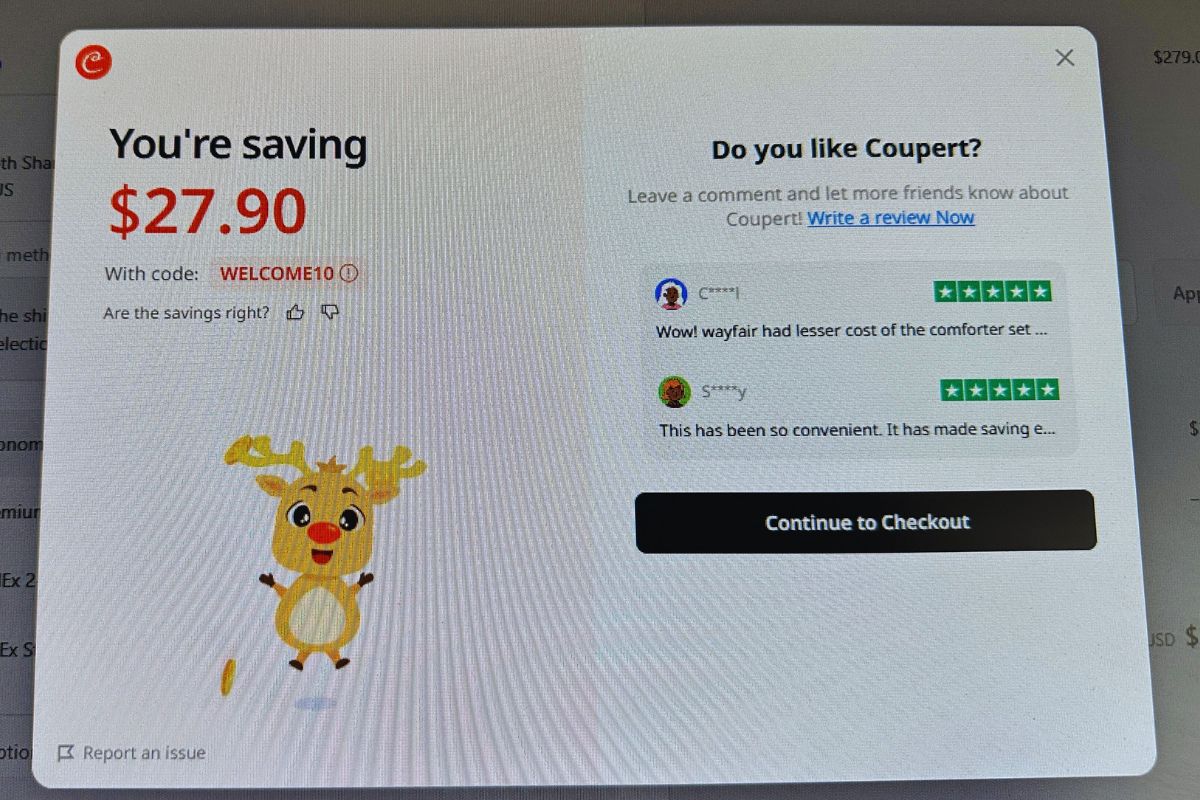
I even found a great discount on a mirror I've wanted for over a year.
Price comparison while you browse
It shows real-time price comparisons across platforms while you're shopping online and it works great for higher-cost essentials (bulk items, small appliances, big refill orders).
My no-fuss restock routine: keep a short 'we're low on .....' list; place one restock order every 1 to 2 weeks; shop as usual; run the coupon extension at checkout.
Pros & Cons
What's great
- You're not wasting time searching for codes manually
- Savings happen during checkout when you're already buying anyway
- Cash back plus coupons can stack on eligible purchases
A few things to know
- Not every store/order will have a coupon available (that's normal)
- Cashback depends on store eligibility
If you want to try Coupert, install the browser extension or mobile app that can be found here.
Final Thoughts
Small, repeatable easy habits like this add up quickly!